A controller that starts with your keyboard
Edgeguard turns a keyboard into a controller for Nintendo Switch games. It was made with Super Smash Bros. Ultimate in mind, with configurable controls that open it up to other games, too.
The idea is simple: make room for a different way to play. The interesting work is in the connection between the physical adapter and the software that makes it feel like your own.
The experience beyond the adapter
A browser-based configurator lets players map keys to controller buttons, directional inputs, and stick angles. Layouts can be saved as JSON files, loaded again, and sent directly to the adapter over USB.
That makes configuration part of the product. A familiar browser becomes the place to experiment with controls and keep a layout you like.
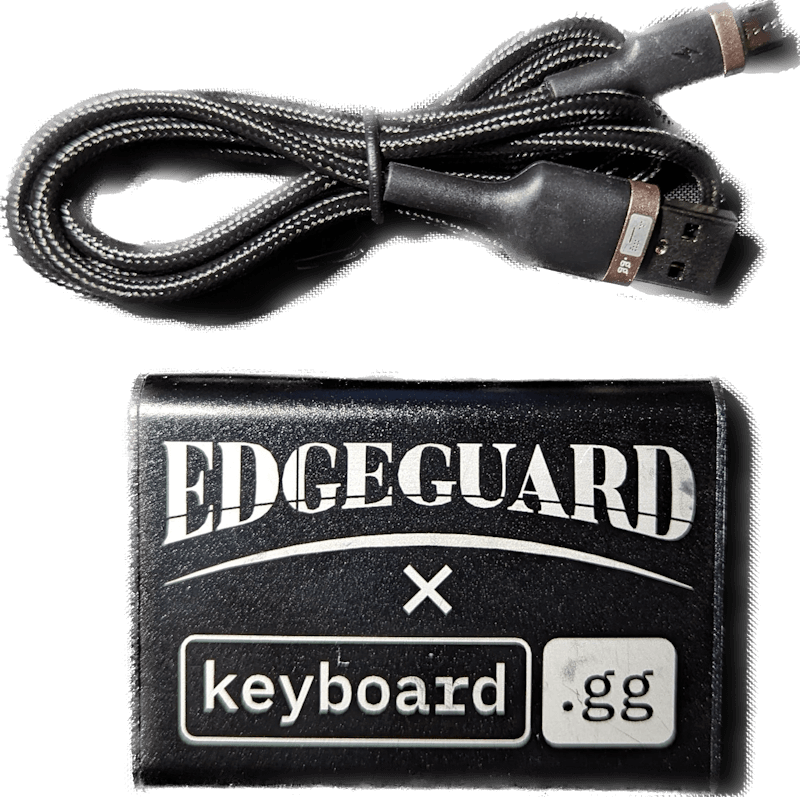
Small device, several connected pieces
The project brings together a product website, configuration tools, reusable device-communication code, and the adapter itself. On the web side, JavaScript and WebUSB connect the interface to the hardware through a custom USB protocol.
For a closer look, explore the configurator source or the shared device implementation.
See the original demonstration
The film above recreates the desk setting with AI. This original recording shows actual Edgeguard gameplay, with the physical keyboard and hands visible in the corner.